

- BOOK&MANAGE
- EXPERIENCE CABIN CLASSESFLIGHT EXPERIENCEMORE
- DEALS&DESTINATIONS
- MILES&SMILES PROGRAM CONTENTEARN MILESREDEEM MILES
- HELP TRAVEL INFOFAQHELP CENTER

We noticed that you’re having trouble opening the Turkish Airlines mobile app via the link. We have some suggestions for a solution:
You can download the Turkish Airlines mobile app from the Apple Store or Google Play.
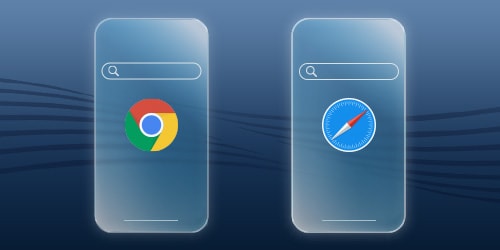
After downloading the app, check your default browser. If you're using an iOS device, follow the first step on the side; if you're using an Android device, follow the second step.

Settings → Apps → Safari → Default Browser App → Safari
Settings → Apps → Chrome → Browser App → Chrome

Once you've installed the mobile app, you can click on the link again and resume your transaction where you left off.
If the problem persists, please ensure that you're using the most recent version of the Turkish Airlines mobile app. If the problem persists, please contact our customer service.