

- الحجز والإدارة الحجزالإدارةخدمات إضافية
- خبرة
- العروض والوجهات
- Miles&Smiles محتوى البرنامجاكسب الأميالاستبدال الأميال
- مساعدة معلومات السفرالأسئلة الشائعةمركز المساعدة
In addition to your Miles&Smiles password, Two-Factor Authentication adds an extra layer of security to your account transactions. To ensure transaction security, you can perform two-step verification using the methods provided below:
- One-time Password via SMS
- One-time Password via Whatsapp
- Smart Notification
- Increased security: This approach enhances security by incorporating an additional layer of protection for your account and transactions.
- User-friendly: Your transaction can be quickly completed with the one-time password sent via Mobile App Smart Notification, WhatsApp or SMS during the operation.
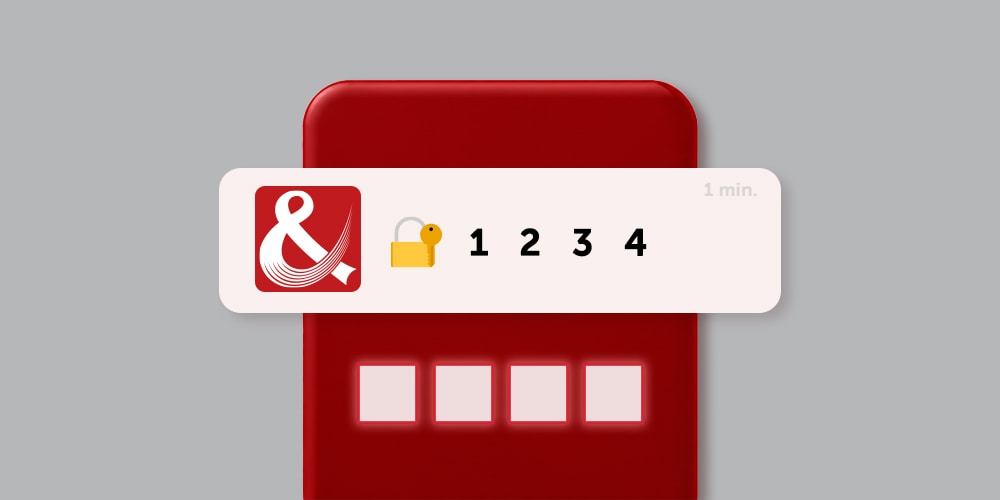
During certain transactions, a one-time password is sent via WhatsApp and SMS or Whatsapp to the mobile phone number registered in your Miles&Smiles account. Please ensure that your registered phone number is correct and up to date.
In cases where we send a one-time password via WhatsApp, if you’re unable to receive the OTP through WhatsApp, please make sure that you’re using the latest version of the app and that you’ve accepted the updated WhatsApp terms and privacy policy.
You can click the link to access the Turkish Airlines WhatsApp Smart Assistant: WhatsApp
You can also log in to your account by approving the notification sent to your personal mobile device instead of using a one-time password. To use this feature, you can register your personal device as a Smart Notification Device by following the steps below:
You can watch the video for detailed information.
When a login is made from a new device, a notification containing the login details is sent to your registered email address. Please ensure that the email address in your Miles&Smiles account is up to date to receive these notifications. If you are logging in from a trusted device, you can mark your device as safe either by clicking the link in the email or through the Device Management section in your profile to avoid receiving re-login notifications from this device. If this activity was not done by you, you can temporarily protect your account using the link in the email.
For faster and more secure transactions, we recommend accessing the Turkish Airlines website and mobile app from your personal device.
Be cautious of any message requesting your personal information, whether it is an email or an SMS; do not click on suspicious URLs. For more information about phishing, please visit our phishing awareness page.
If your registered mobile phone number is out of date, please contact us using the feedback form. We will assist you as soon as possible.
If you are not receiving smart notifications on your selected personal mobile device, please ensure that notification permissions for the Turkish Airlines mobile app are turned on in your device's Settings.
After logging into your account from your new device, you can remove your existing Smart Notification device and select your new device on the Device Management page in your profile.