


Dear passengers,
As the use of technology and the internet become further embedded in our daily lives, instances of internet- and technology-related fraud also continue to increase. Turkish Airlines implements all necessary legal and technical measures to ensure that our official website is safe to use and that your personal data is secure and protected. This page provides information on the various types of fraud that you may encounter, and how to handle each one.
At Turkish Airlines, we apply rigorous standards to the security of our passengers’ personal data. The security infrastructure to protect your digital presence is audited and continuously updated in accordance with international standards and legal regulations.
When you purchase tickets through our website or mobile app, the security of your credit card information is maintained at the highest level.
The identification, contact, and travel information you share is processed in full compliance with both local and international data protection laws.
We manage digital security dynamically. Our in-house Cyber Security Operations Center continuously monitors potential attack attempts, phishing attempts, and unauthorized access attempts against our systems 24 hours per day, seven days per week. Our threat intelligence teams proactively identify fraud methods and work to block them before they reach you.
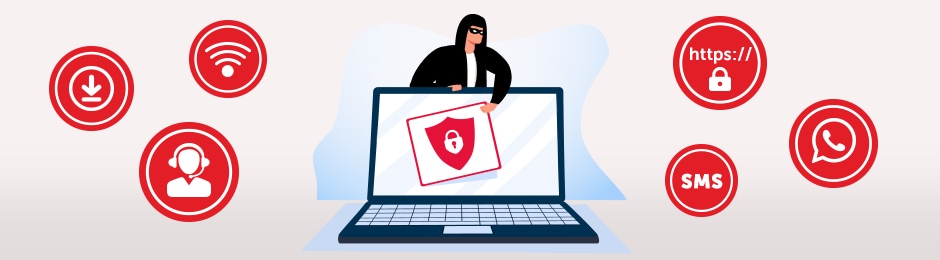
Your journey begins the moment you start searching for a ticket. The security of your digital transactions is as crucial as flight safety. To protect your personal data and financial information, we recommend following these “Golden Rules”.
Use the mobile app. The most secure transaction channel is the Turkish Airlines mobile app.
Turkish Airlines staff, Call Center employees, and authorized agents will never ask you for the following information:
If anyone asks for this information over the phone or in writing, end the conversation immediately.
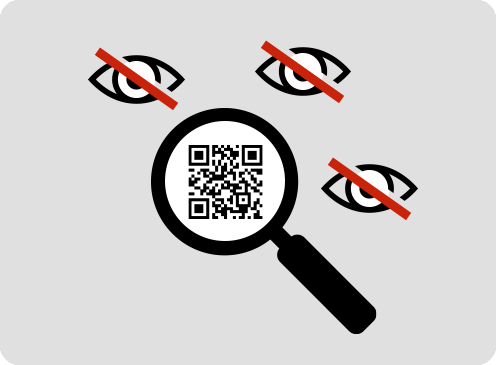
The barcode or QR code on your boarding pass contains not only your flight number but also sensitive personal information such as your first name, last name, and reservation code (PNR).
Please make your payments only through our official website and mobile app, using the secure payment page (3D Secure).
Scammers often try to create a sense of panic by using phrases like “Your ticket will be forfeited if you don’t act immediately,” “Your account will be closed,” or “Last-minute discount.”
Not every 0850 or 444 number that appears in online searches belongs to Turkish Airlines.
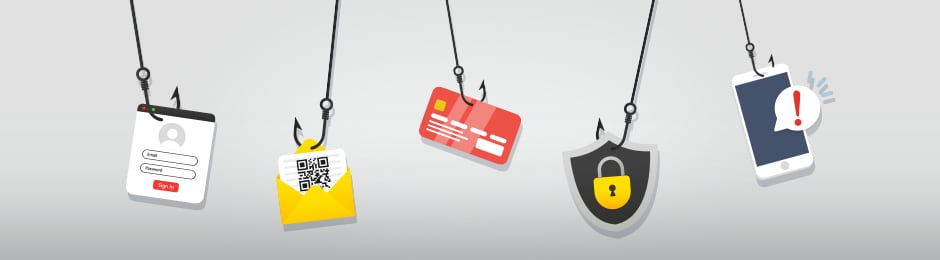
Cybercriminals are constantly developing new methods to exploit the trust you place in the Turkish Airlines brand. Below, we describe the most common types of attacks you may encounter, how to detect them, and how to protect yourself.
This is a technique used by attackers to place fake phone numbers at the top of search results by running ads on search engines (Google, Bing, etc.).
Scenario: You call the “THY Call Center“ to change or refund a ticket. The first number that appears is labeled “Sponsored/Advertisement” (e.g., 0850 xxx xx xx). When you call, you hear a professional greeting, but during the call, you are asked for a processing fee, your card PIN, or an SMS verification code.
How can you tell?
Be wary of search results labeled “Ad” or “Sponsored.”
Do not trust any number other than our official numbers: 0850 333 0 849 or 444 0 849.
What should you do?
Do not call the number without first verifying it on the “Contact Us” page of our website.
This is an attempt to steal your personal information using fake emails that appear to be from Turkish Airlines.
Scenario: You receive an email with a subject line such as “Your ticket has been canceled,” “You’ve won a prize ticket,” or “Verify your account.” When you click the link, it redirects you to a fake page such as https://turkishairlines-login.com.
How can you tell?
Sender Address: Our authentic emails contain the https://thy.com or https://turkishairlines.com domains at the end of the address. Addresses like thy-destek@gmail.com or info@thy-kampanya.net are fake.
Urgent Language: Phrases that create panic, such as “If you don’t click immediately, your account will be closed,” are signs of an attack.
What should you do?
Before clicking on any links, hover your mouse over them to check the actual URL.
This is a social engineering attack carried out via phone calls. By using technology, the caller can make the caller ID appear to be a Turkish Airlines number (“spoofing”).
Scenario: Your phone rings, and the caller says, “There’s an issue with your ticket; we’ll issue a refund, but we need to verify your card’s security—please enter your PIN.”
Critical security rule: Under no circumstances will Turkish Airlines staff ask you to verbally state or enter your credit card PIN or the bank verification code (OTP) sent to your phone over the phone.
What should you do?
If you receive such a request, end the call immediately and contact our official call center.
These are fake promotions and links sent via SMS, WhatsApp, or Telegram.
Scenario: Messages such as “Fill out our survey and win two airline tickets” or “Your flight is delayed; click the link for compensation” are received. The links are typically shortened addresses like bit.ly.
Mobile app verification: If there is an operational change (cancellation/delay), the safest method is to open the Turkish Airlines Mobile App and check the status under the “My Flights” tab, rather than clicking the link in the SMS.
Fact: Turkish Airlines does not distribute gifts via WhatsApp or request money by sharing an IBAN.
These are malicious programs found outside official app stores or within stores that impersonate our brand.
Threat: Third-party apps named “Cheap Ticket Finder” or “THY Campaign” may attempt to access your contacts, messages, and banking apps after being installed on your phone.
What should you do?
Only download our app from the official “Turkish Airlines” account (Developer: Turkish Airlines) on the App Store (iOS), Google Play (Android), or Huawei AppGallery. Do not install APK files from unknown sources on your phone.
These are fake bot accounts that step in when you voice a complaint on social media.
Scenario: You share an issue on Twitter (X) or Instagram. Within minutes, you receive a message from a fake account like “@THY_Destek_Yardim” saying, “We can help you; please send your PNR and phone number via DM.” They then redirect you to WhatsApp and ask for payment.
How can you tell?
Our official accounts always have a “Blue Checkmark” (Verified Account badge).
Do not trust newly created accounts or unverified accounts with few followers.
This is a visual deception created by altering the letters in our website address.
Examples:
turkıshairlines.com (Using the Turkish character “ı” instead of the English letter “i”)
turkishairlines@tny.com (Using “tny.com” instead of “thy.com”)
turkish-airlines-refund.com (Adding a word to the brand name)
What should you do?
Carefully check the address bar. If you see a “Not Secure” warning in your browser, do not enter any information.
This involves copying the barcode on your physical (printed) or digital boarding pass.
Risk: Sharing a photo of your boarding pass on social media with the caption “Let the journey begin!” poses a significant risk. Using barcode-scanning apps, the barcode in that photo can be scanned to access your first and last name, PNR, flight number, and Miles&Smiles membership number. With this information, your reservation can be modified or canceled.
What Should You Do?
Do not share your boarding pass. After your trip, shred or rip up the printed boarding pass and dispose of the remains.
This type of attack takes advantage of the chaos caused by flight cancellations or delays.
Scenario: You receive a text message stating that your flight has been canceled or delayed. The message states, “You are entitled to compensation; enter your credit card information to claim it immediately.” Or it directs you to a paid/fraudulent line by saying, “Call our call center to complete your refund.”
Fact: Turkish Airlines does not ask for your credit card CVV code or password to process a refund. Refunds are automatically processed to the card used to purchase the ticket.
What should you do?
In the event of an operational issue, refer only to the “Flight Status” or “Assistant” menus within the Mobile App.
These are attacks that mimic free Wi-Fi networks found at airports or cafes.
Scenario: While waiting at the airport, you see an unsecured network such as “THY_Free_WiFi” or “Airport_Lounge_Guest.” When you connect, you are asked to enter your email password or PNR code to access the internet.
Risk: This network actually belongs to an attacker. All the information you enter (credit card details, passwords) is sent directly to the attacker’s screen.
What should you do?
Perform critical transactions—such as payments, booking, or logging into Miles&Smiles—over your own mobile data (cellular) network, not over public Wi-Fi networks.
When conducting searches on digital platforms and search engines (Google, Bing, etc.), you may come across unauthorized agents and fake call center numbers listed with “Sponsored” or “Ad” labels that are not affiliated with Turkish Airlines. To avoid any issues, please use only the contact channels available on our official website, turkishairlines.com, and our mobile app for ticketing and change requests. The sole official call center numbers for Türkiye are 444 0 849 / 0850 333 0 849.
In accordance with our corporate policies and international data security standards (PCI-DSS), our call center representatives and any other staff members will never ask you for your credit card PIN, card security code (CVV), or the one-time verification code (3D Secure/OTP) sent by your bank via phone calls, SMS, or instant messaging apps (such as WhatsApp). If anyone claiming to be a member of our staff asks for this information, please immediately end the conversation.
Turkish Airlines does not run campaigns promising “free tickets in exchange for surveys” or “cash prizes” via unverified social media accounts or messaging platforms. Please verify that the sender’s address of any emails or messages you receive ends with @thy.com or @turkishairlines.com. Do not click on suspicious links and do not share your personal information.
The QR code and barcode sections on your boarding pass contain sensitive personal data such as your first and last name, reservation code (PNR), and Miles&Smiles membership number. To prevent this data from falling into the hands of third parties and to avoid the risk of unauthorized transactions, we recommend that you do not share images of your boarding pass on public platforms.
All our digital channels are operated in compliance with the TS ISO/IEC 27001 Information Security Management System standards. Your credit card and payment data are protected using end-to-end encryption technologies (SSL/TLS) in accordance with PCI DSS (Payment Card Industry Data Security Standards), the global security standard for the banking sector.
If you believe your card information or Miles&Smiles account security is at risk: