

- BOOK&MANAGE BOOKMANAGEADDITIONAL SERVICES
- EXPERIENCE CABIN CLASSESFLIGHT EXPERIENCEMORE
- DEALS
- DESTINATIONS
- MILES&SMILES PROGRAM CONTENTEARN MILESREDEEM MILES

IATA-accredited agencies and non-IATA agencies (including TIDS agencies) can apply. Decide your reconciliation type (BSP or Non-BSP) and the payment methods you intend to use. If you will not settle through BSP, you sign a Direct Settlement Agreement during onboarding.
Non-IATA agencies can also sell as a sub-agency of an IATA-accredited parent agency that has already applied to TKCONNECT. The sub-agency must be a branch of the parent agency or belong to the same consortium. For the TKCONNECT UI, no technical preparation is needed.
To connect through an aggregator, choose one of our certified aggregators (see Partner ecosystem). You select it in the application form.
For a Direct Connection (API), you need a development team that can build and maintain the integration.
After the pre-application, you continue the main application with the email address you applied with and your Tracking ID, so keep both.
A dedicated solution for TIDS agencies is under development. TIDS agencies can already join as non-IATA agencies.
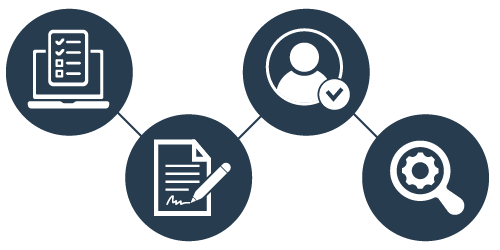
"This step takes you from your application to approval and signed agreements:
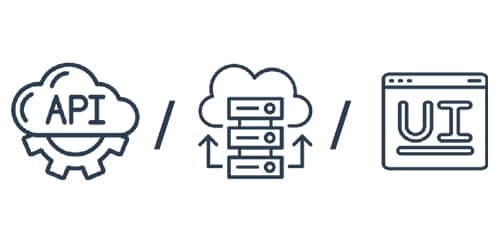
We offer flexible connection options tailored to your business and technical capabilities.
Note: If you connect through an aggregator or a Direct Connection (API), you also receive TKCONNECT UI access.
Available connection types:
Each method delivers real-time data, comprehensive functionality, and an intuitive user experience.
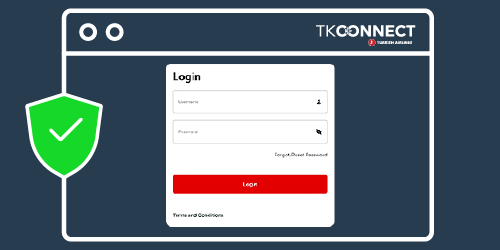
Best for: agencies that want to sell and service Turkish Airlines NDC content without any development.
Not ideal for: agencies that need Turkish Airlines content inside their own booking or mid-office systems; consider an aggregator or a Direct Connection (API).
You will need: an approved application and users with the Ticket Sale role.
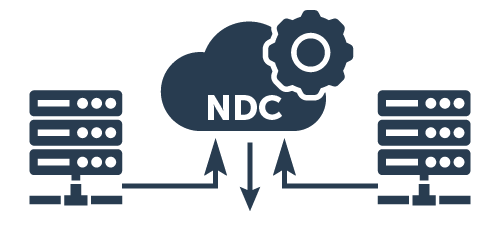
If you work with a third-party provider or plan to do so, you can connect through a certified aggregator:
This option lets you keep your existing workflow while accessing our extensive inventory.
For partners who want a customizable and direct integration:
This option gives you maximum control and flexibility in tailoring functionalities.
Partners that integrate with our API, whether a Direct Connection partner or an aggregator company, complete certification before going live. Agencies that connect through a certified aggregator follow their aggregator's setup and test steps instead.
Note: TKCONNECT UI partners do not need certification.
Note: Once you are live, service every TKCONNECT booking through TKCONNECT only, never through a GDS or another channel in parallel. If your channel cannot complete a servicing action, see Support and updates for where to go.
Welcome aboard! We’re excited to have you join us and look forward to a successful, long-term partnership in transforming the travel experience.